Autumn Audio Sync Checks Before the Winter Schedule Starts
Longer evenings bring more studio hours and more live events. Daniel Okafor sets out the audio sync checks worth making in these weeks, from delay settings to cable runs.
6 min read
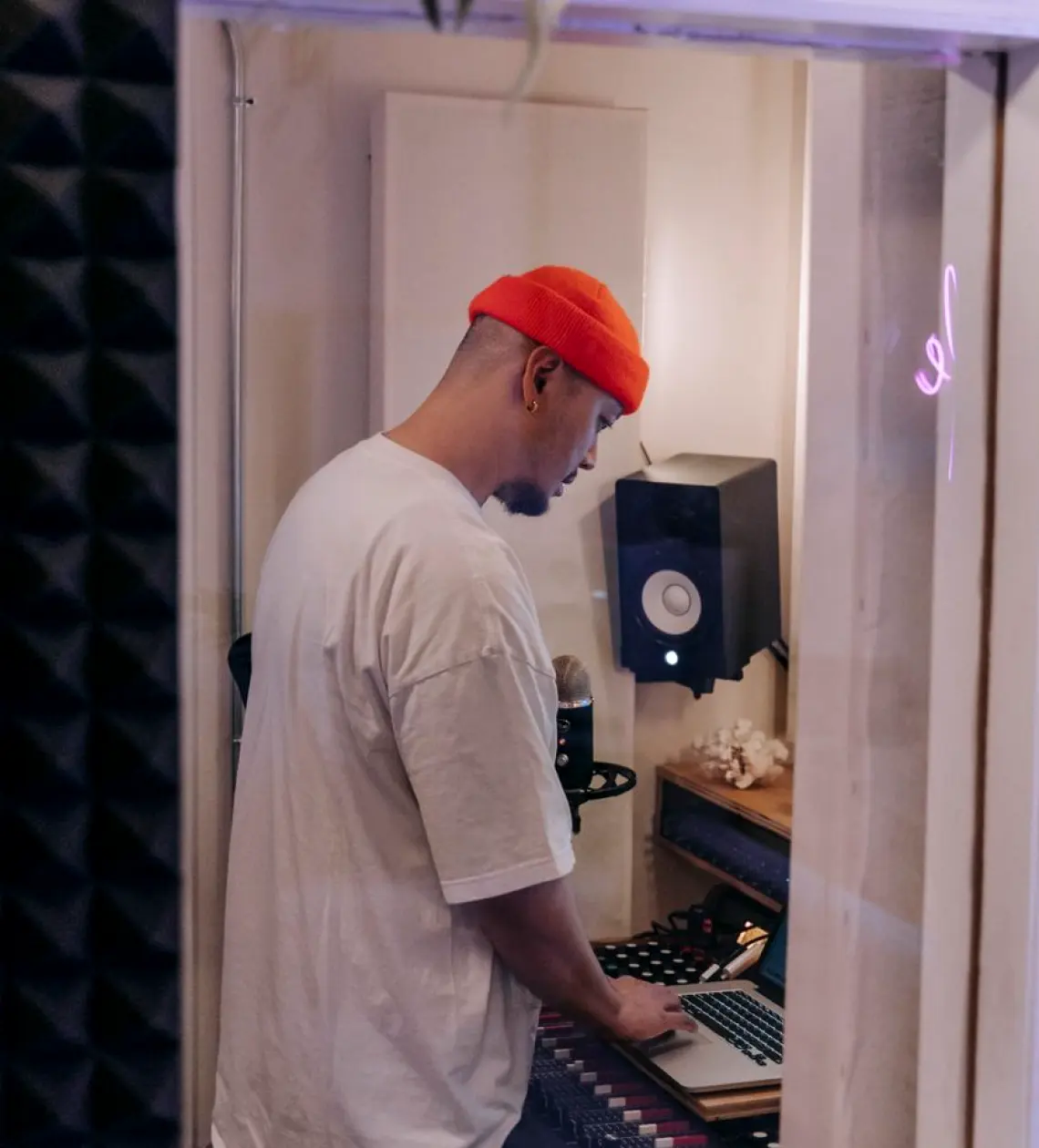
Why these weeks suit an audio sync check
Mid autumn is when most studios settle into a heavier routine. Summer shoots are over, the evening news and magazine programmes run longer, and venues book more live nights. Any small drift between sound and picture that went unnoticed in a quiet period now shows up in front of a larger audience.
I am a lighting designer, not an audio engineer, but I spend long hours in galleries and on studio floors next to the people who are, and I see the same pattern each year. Lip-sync complaints cluster in the first weeks of a busy season, usually because something changed quietly over the warmer months: a replaced converter, a new monitor, a patch moved to free up a socket.
A short, planned check now costs far less than chasing a fault during a live broadcast. Priya Mistry, our audio engineer, approaches it as a routine, not a rescue, and the steps below follow the way she asks crews to work.
Start with what changed since spring
Before measuring anything, write down every change to the signal chain since the last busy season. That includes new cameras, replacement frame syncs, firmware updates on mixers and any monitor swapped for a different model. Each of these can add or remove a few frames of delay, and the effect is cumulative.
Ask the operators as well as reading the equipment log. People remember the awkward fix on a Tuesday night that never made it into the paperwork. A temporary bypass left in place, or a processing option switched off to solve a different problem, is a common source of drift.
Once you have the list, mark which items touch video, which touch audio, and which touch both. Devices that handle embedded audio deserve most attention, because they carry sound and picture together yet can process them at different speeds.
- Replaced or upgraded converters and frame synchronisers
- Firmware updates on mixers, routers and monitors
- Temporary bypasses or patches that were never reversed
Measure delay with a simple clap test
You do not need specialist test gear for a first pass. Record a presenter or a colleague clapping once, sharply, in front of a camera at normal speaking distance, and play it back through the full programme chain to the same monitors your viewers' feeds are checked on.
Step through the recording frame by frame in an editor or on a recorder. The frame where the hands meet should line up with the first visible spike in the audio waveform. If the sound arrives a frame or two late, or early, you have a measurable offset to correct rather than a vague feeling that something is off.
Repeat the test at the end of each signal path you use: the main gallery output, any remote feed, and any recorded copy. Offsets often differ between them, and the one nobody checks tends to be the one that goes wrong.
Compensate in one place, and write it down
When you find an offset, resist the urge to nudge delay at several points along the chain. Pick one place, preferably a dedicated audio delay on the mixer output or a processing unit built for the job, and apply the full correction there. Spread corrections are hard to trace later and easy to undo by accident.
Label the setting plainly, with the value in milliseconds or frames and the date of the test. A strip of tape beside the unit is fine, and a line in the shared engineering notes is better. The next engineer to open the rack should not have to rediscover the figure.
Keep in mind that delay needs differ between formats. A show produced in two frame rates, or one that switches between a local studio and a remote contributor, may need different values for each. Note which setting belongs to which programme.
- Correct in a single, labelled location
- Record the value and the test date
- Keep separate values for separate formats
Check the physical side as the weather turns
Cold, damp weather is hard on connectors and cable runs, particularly in venues that are heated only for show days. Intermittent faults on balanced lines, a crackle on a lapel belt pack or a hum that appears only when the heating switches on can all be mistaken for sync problems when the cause is simply a worn connector.
Walk the runs with a tester before rehearsal, not during it. Pay attention to floor boxes, patch bays and any cable that is stepped on or rolled over by camera pedestals. Replace what looks marginal rather than hoping it lasts to the end of the month.
Radio microphones deserve their own look. Battery life shortens in the cold, and local radio interference changes as other venues and crews arrive with their own equipment. Scan for clear frequencies again instead of reusing last season's plan.
Brief the crew before the schedule fills up
A correct setup only stays correct if the people using it know what it should do. Spend ten minutes at the start of the season walking operators through the agreed delay figure, where it lives and who is allowed to change it. Unplanned adjustments during a busy week are a frequent cause of drift.
Agree a simple reporting routine too. If a presenter or director notices a sync problem, who do they tell, and what information helps? The time of the fault, the source in use and the monitor being watched are usually enough for the engineer to find it.
Finally, put a recheck in the diary for the quietest day before any large live event. A five-minute clap test at that point is cheap insurance, and it keeps the habit alive once the winter schedule is in full swing.
Audio sync rarely fails in dramatic ways; it slips by a frame here and there until someone notices. A list of recent changes, one clear measurement, a single labelled correction, a quick look at cables and radio, and a short briefing for the crew will cover most of what goes wrong in the coming months. Do it once, calmly, and the busy season is easier.
More from the guides
A Saturday Studio Show That Kept Drifting: Marcus and the Workflow Review
Marcus runs a small live studio show and could not find why it fell apart each week. A written workflow review gave him a short, ordered list of fixes. This is how it went.
Tally, Talkback and Take: Gallery Terms Explained Plainly
A plain-words guide to three terms heard in every gallery: tally, talkback and take. What each one means on the desk and why mixing them up causes trouble.
Stage Lighting Planning: A Checklist Before You Commit to a Plot
Daniel Okafor lists the questions worth answering before you approve a lighting plot or sign off a fixture schedule, from camera needs to power, rigging and presenter comfort.