Prime Lenses or Zooms for a Small Studio: Which Suits Your Cameras
A plain comparison of fixed prime lenses and broadcast zoom lenses in a multi-camera studio, with a clear recommendation based on room size, show format and crew.
6 min read
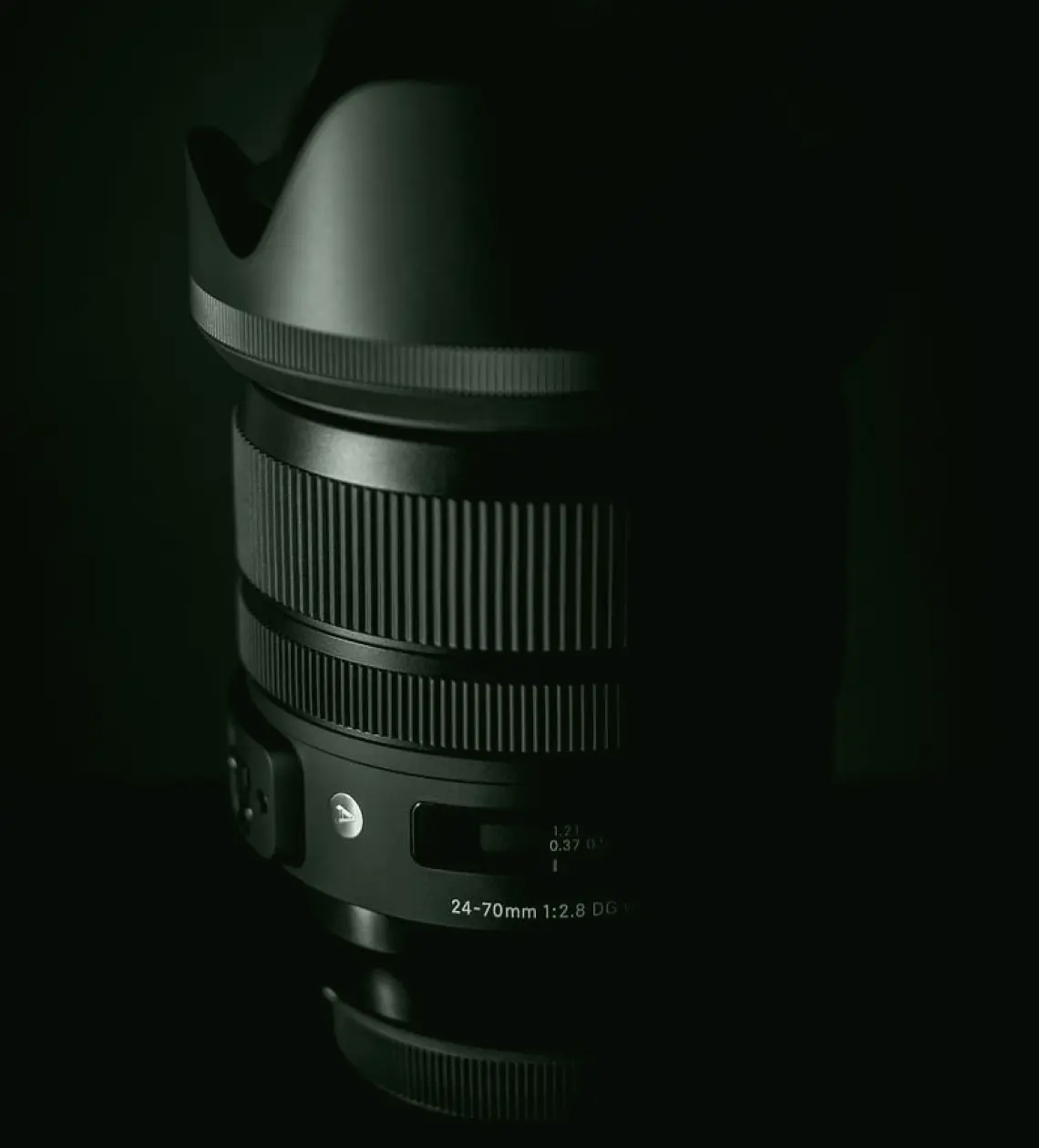
The choice in front of you
When we plan a multi-camera studio, one of the first questions is whether the cameras should carry broadcast zoom lenses or sets of fixed prime lenses. Both can produce a clean, sharp picture. They differ in how a crew works with them, how much light they need, what they cost to buy and maintain, and how forgiving they are when a show changes at short notice.
This article compares the two options for a studio of modest size, roughly a presenter-led set with three or four cameras. It does not cover venue-scale live events, which bring their own constraints. I will set out what each option does well, where it causes trouble, and finish with a recommendation that you can test against your own room and schedule.
A word on method: the comparison below comes from reviewing studios on site, watching operators during rehearsal and recording, and listening to what they found awkward. It is a working view, not a laboratory test.
What zoom lenses do well
A broadcast zoom lets one operator move from a wide establishing shot to a tight close-up without touching the lens or moving the pedestal. In a live programme that matters, because the director can call a change of framing and get it within a second or two. The crew stays small, and each camera covers several roles during a single show.
Zooms also hold focus through the range when set up correctly, so a tight shot of a guest stays sharp as the operator pulls out. Servo controls on the handles give smooth, repeatable moves that suit news, talk and discussion formats, where framing shifts constantly and nobody wants visible lens changes.
The drawbacks are weight, price and light. A good studio zoom is large, it costs considerably more than a single prime, and its widest aperture is usually smaller, so the set needs more light to give the same exposure.
- Fast reframing without moving the camera
- Small crew can cover varied shot sizes
- Smooth servo control suited to live direction
- Heavier, dearer, and needs more light
Where prime lenses earn their place
Prime lenses are lighter, usually faster, and often give a pleasing, controlled look with shallow depth of field. In a drama set, a music session or a recorded interview with plenty of rehearsal time, a prime can give the picture a more considered character. They also tend to be more compact, which helps on small pedestals or jibs with limited payload.
The cost is flexibility. To change shot size the operator has to move the camera or swap the lens, and neither is quick during a live show. You end up planning each camera's position and focal length in advance, which is workable when the show is scripted and breaks down when a presenter wanders off the marked positions.
Primes also ask more of the focus puller. Shallow depth of field looks good until a guest leans forward and slips out of focus, so a recorded, rehearsed format suits them far better than a loose live one.
Side by side: crew, light and budget
On crew, zooms win for live work because one person can do more with each camera. Primes suit shows with a larger crew and time to rehearse positions. On light, primes win: a faster lens lets you run lower levels, which is kinder to presenters and can reduce the lighting load, something Daniel Okafor often points out when we plan the set together.
On budget the picture is mixed. A set of primes for each camera can add up, since you may need several focal lengths per position, while a single zoom per camera covers the lot. Studios often find the zoom option dearer to buy but cheaper to operate, because it needs fewer hands and fewer lens changes.
Signal path matters too. Neither option changes your cabling or routing, but zoom and focus servo controls need their own connections at the camera, which belongs in the plan from the start.
- Crew: zoom favoured for live, prime for rehearsed shows
- Light: prime needs less
- Purchase cost: depends on how many focal lengths you need
- Operation: zoom is quicker on air
Our recommendation
For a presenter-led studio with three or four cameras and a live or live-to-tape format, we recommend broadcast zoom lenses on all main cameras. The speed of reframing and the smaller crew outweigh the extra light and cost, and the format forgives nothing that slows the director down.
If your programmes are scripted, rehearsed and recorded in pieces, such as interviews, features or music, consider zooms on the wide and mid cameras and a prime on one camera for close-ups with a shallower look. This mix gives you flexibility where it counts and character where you have time to use it.
Whichever way you lean, test before you buy. Borrow or hire the lenses, shoot a rehearsal with your own presenters under your own lighting, and ask the operators what they would change.
Before you decide
Write down how your show actually runs: how often framing changes, how many people are on the floor, and how much rehearsal time you have. These facts settle the choice more reliably than any specification sheet.
Check what your camera bodies and pedestals can carry, and whether your lighting can support a smaller aperture. Ask your operators which shots they struggle to get now, because that is usually where the right lens makes its difference.
If you want a second opinion, a camera system review looks at the room, the crew and the signal path together and gives a written recommendation you can take to your supplier.
For most small live studios, zoom lenses are the sensible default, with a prime or two added where the format gives you time to use them well. The decision rests on how your show is run, not on the lens list alone. Test in your own room, listen to your operators, and plan servo controls and light levels alongside the glass so the whole camera chain works together.
More from the guides
How to Check and Fix Lip Sync Drift Before a Live Show
A step-by-step method for finding audio delay in a studio chain, measuring it against picture, and setting compensation so presenters and playback stay aligned for the whole programme.
Control Room Operations: A Checklist to Work Through Before You Decide
Before committing to a gallery layout, signal routing plan or operator procedure, these are the questions worth settling first, written from the audio side of the desk.
Audio Sync and Mixing Workflows: What We Now Offer Studio Teams
Our audio sync and mixing work now covers a clear sequence from embedded audio and delay compensation to mixing set-ups. Here is what each stage involves and what we need from you.